




Most people still think of AI as a text tool. You type something, you get words back. But Gemini Omni — Google’s multimodal model capable of processing and generating across text, images, audio, and video simultaneously — is quietly flipping that assumption. Google just published a showcase of five real builders using Gemini Omni to edit videos and visualize ideas entirely through natural conversation, and the results are more interesting than another round of marketing demos. This is what five people are actually building with Gemini Omni, and it tells us a lot about where AI-assisted creative work is heading.
Why Video Is the Hard Problem AI Is Finally Cracking
Text generation got good fast. Image generation followed. Video has been the stubborn holdout — too complex, too temporal, too dependent on understanding what’s happening across frames rather than just within one. Tools like Runway and Pika made early inroads, but they still felt like technical instruments that required knowing what you wanted before you asked.
Gemini Omni takes a different approach. Instead of treating video editing as a series of precise commands, it treats it like a conversation. You show it footage. You describe what you want. It understands context across the entire clip — not just individual frames — and responds accordingly. That’s the real shift here: moving from command-line thinking to conversational thinking when it comes to visual media.
Google has been building toward this for a while. Gemini 1.5 Pro introduced long-context video understanding. Gemini 2.0 expanded native multimodal generation. Gemini Omni — positioned as the most capable version yet for real-time, cross-modal interaction — is where those threads converge into something builders can actually put to use. If you’ve been following Google’s Gemini feature rollouts through mid-2025, this feels like the payoff moment those updates were building toward.
What the Five Builders Actually Made
Google’s showcase isn’t vague. Each builder has a specific use case, and the variety is telling — this isn’t just for Hollywood editors or professional studios.
1. Conversational Video Editing Without a Timeline
One builder used Gemini Omni to edit raw footage by describing changes in plain language — trim this section, make this transition smoother, cut when the speaker pauses. No timeline scrubbing. No keyframe manipulation. The model understood the footage well enough to execute edits based on semantic descriptions of what was happening on screen.
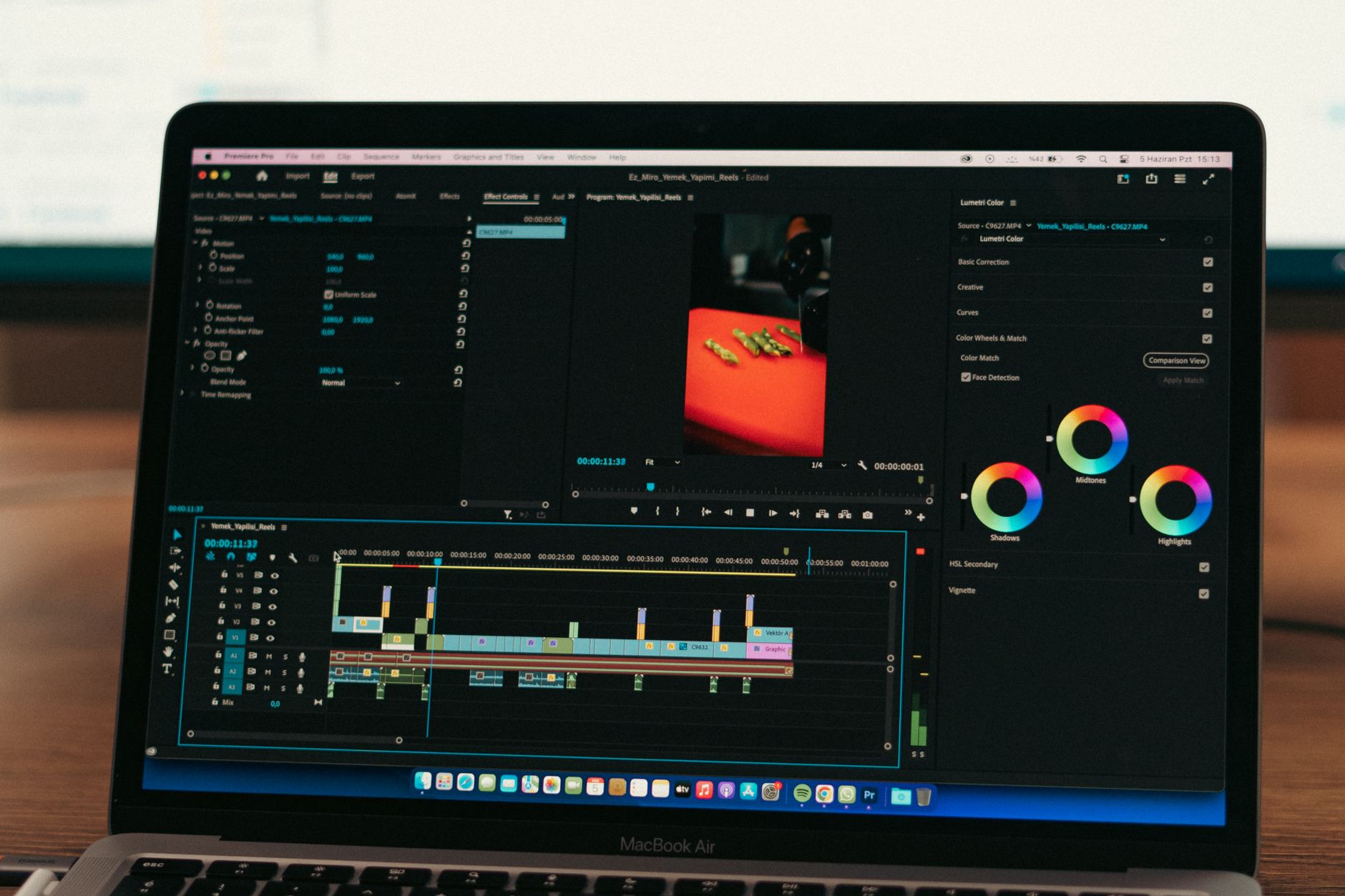
This is significant because traditional video editing software has a steep learning curve that hasn’t really flattened in twenty years. Premiere Pro and DaVinci Resolve are extraordinary tools, but they demand expertise. Gemini Omni suggests a future where you don’t need to learn the software — you need to know what you want.
2. Visualizing Abstract Ideas in Motion
Another builder used Omni to turn written concepts — product pitches, narrative outlines, mood descriptions — into rough video visualizations. Not finished productions, but storyboard-quality motion sketches that communicate an idea to a team or client before a single camera rolls.
For anyone who’s ever sat through a meeting trying to describe a visual concept in words, this matters. There’s a reason directors use storyboards. Gemini Omni makes storyboarding conversational and dynamic.
3. Automated B-Roll Matching
A third builder tackled one of the most tedious parts of video production: finding and matching B-roll footage to a primary narrative track. They fed Gemini Omni a voiceover script alongside a library of footage clips, and the model suggested — and in some cases assembled — relevant B-roll cuts that matched the audio semantically.
This is the kind of task that eats hours of an editor’s time. Matching “we saw record growth in Q3” to footage of a busy office or an upward-trending graph requires understanding both the audio content and the visual content simultaneously. That’s exactly what a truly multimodal model should be able to do.
4. Real-Time Feedback on Pacing and Structure
One builder used Gemini Omni not to edit, but to critique. They’d feed in a rough cut and ask the model to assess pacing, identify where audience attention might drop, and suggest structural changes. Think of it as an AI co-editor who watches the whole thing and gives notes.
This use case will resonate with solo creators — YouTubers, indie filmmakers, social media producers — who don’t have a team to bounce ideas off. Getting honest, specific feedback on a rough cut before publishing is genuinely valuable.
5. Multi-Format Repurposing
The fifth builder focused on something increasingly commercial: taking long-form video and repurposing it across formats. A 45-minute podcast recording becomes a 90-second Instagram Reel, a 10-minute YouTube summary, and a series of short clips — all identified and roughly assembled by Gemini Omni through conversational prompts about tone, key moments, and target audience.
This one has obvious business applications. Content teams at brands and media companies spend enormous resources on exactly this repurposing workflow. Automating even 60% of it changes the economics significantly.
How Gemini Omni Compares to the Competition
Let’s be direct about the competitive landscape here. OpenAI has been pushing hard on multimodal capabilities — GPT-4o handles images and audio, and the company has been working on video understanding — but it doesn’t yet offer the kind of video editing workflow Gemini Omni is demonstrating. OpenAI’s real-time voice system shows similar ambitions in audio, but video editing remains a gap.
Runway and Pika are strong in video generation but work from prompts, not from conversational editing of existing footage. Adobe’s Firefly integrates into Premiere Pro but requires you to already be inside Adobe’s workflow. Anthropic’s Claude has excellent reasoning but limited native video capability.
Here’s the thing: Gemini Omni’s edge isn’t just technical. It’s contextual. The model reportedly handles up to one hour of video in context — meaning it can reason about an entire documentary rough cut, not just a 30-second clip. That scale of understanding is what makes the B-roll matching and pacing feedback use cases possible at all.
- Long-context video understanding: Up to ~1 hour of footage in a single context window
- Cross-modal reasoning: Simultaneous processing of audio, visuals, and text
- Conversational editing: Natural language instructions replace timeline-based commands
- Multi-format output: Single source footage repurposed across different aspect ratios and lengths
- Real-time critique: Structural and pacing feedback without a human editor
What This Actually Means for Creators and Businesses
For independent creators, the implications are straightforward: tools that used to require a production team are becoming accessible to one person with a laptop. That’s not hype — it’s just math. If AI can handle B-roll selection, rough cutting, and pacing feedback, a solo creator can produce content that previously needed three or four people.
For businesses, the repurposing angle is probably the most immediately valuable. Content marketing teams are constantly under pressure to produce more across more channels. Automating the mechanical parts of that workflow — identifying key moments, cropping for different formats, assembling rough cuts — frees humans to focus on strategy and storytelling decisions.
For professional editors and video producers, this is a more complicated conversation. These tools don’t replace expert judgment — yet. The builders in Google’s showcase are using Gemini Omni for rough work, first passes, and tedious tasks. The creative decisions still belong to humans. But the ceiling is rising, and I wouldn’t be surprised if that changes meaningfully in the next 18 months.
One thing worth watching: how Gemini Omni integrates with existing tools. Right now it feels somewhat standalone. If Google builds deeper hooks into YouTube Studio, Google Workspace video tools, or third-party NLEs, the adoption curve accelerates sharply. This connects to broader patterns in how Gemini is being embedded into practical workflows across Google’s product line — video is just the latest frontier.
Pricing and Availability
Gemini Omni is currently accessible through Google AI Studio and the Gemini API. Advanced capabilities — including extended video context — are available under Gemini Advanced subscriptions (part of Google One AI Premium, priced at $19.99/month) and through API access for developers. Enterprise pricing through Google Cloud varies by usage volume. Google hasn’t announced a standalone video editing product, so for now builders are integrating Omni’s capabilities directly via API.
Frequently Asked Questions
What exactly is Gemini Omni?
Gemini Omni is Google’s most capable multimodal AI model, designed to process and reason across text, images, audio, and video simultaneously in real time. It’s distinct from earlier Gemini versions in its ability to handle long-form video context and respond to conversational prompts about that content — making it particularly suited for creative and editing workflows.
Do you need technical skills to use Gemini Omni for video editing?
The whole point is that you don’t — at least not in the traditional sense. The builders in Google’s showcase are interacting with footage through plain language prompts rather than software commands. That said, getting useful outputs still requires clear thinking about what you want, and more complex workflows benefit from API familiarity.
How does Gemini Omni compare to tools like Runway or Adobe Firefly?
Runway and Pika excel at generating new video from prompts, while Adobe Firefly integrates into existing editing software. Gemini Omni’s strength is in understanding and editing existing footage through conversation, with a much longer video context window than most competitors currently offer. They serve partially overlapping but distinct use cases.
When will these video editing features be widely available?
Core Gemini Omni capabilities are available now through Google AI Studio and the Gemini API, with consumer access via Gemini Advanced. Whether Google builds these into a dedicated video editing product or deeper integrations with YouTube Studio remains to be announced — but given the pace of Gemini feature releases in 2025, expect movement on that front before year’s end.
The builders in Google’s showcase are early, but they’re building real things for real workflows — not polished demos staged for a keynote. As Gemini Omni’s video capabilities mature and pricing becomes more accessible at scale, the question won’t be whether AI changes video production. It’ll be which creators adapted first.