





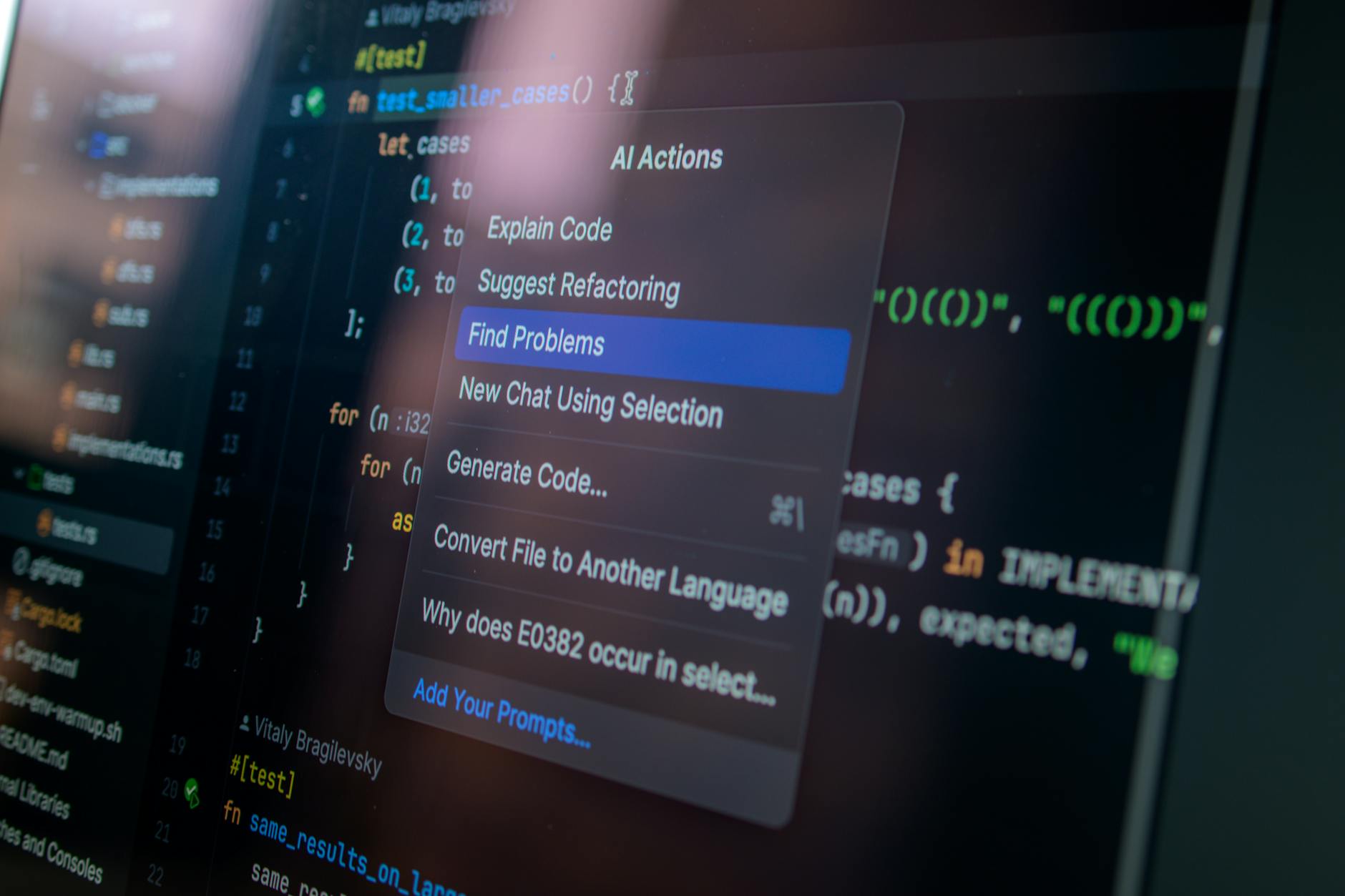
Most people still think of OpenAI Codex as a tool for developers who want to autocomplete a function or generate a boilerplate script. That’s underselling it by a mile. OpenAI’s official breakdown of the top 10 Codex use cases for work makes it clear the company sees Codex as something much broader — a general-purpose work automation layer that touches everything from data pipelines to internal documentation to building full internal tools without a dedicated engineering team.
How Codex Got Here
Codex’s origin story is well-documented. It started as the engine behind GitHub Copilot back in 2021, trained on billions of lines of public code. For a while, it sat in the background — useful, but limited to completion-style suggestions inside an IDE. Then OpenAI started treating it as a standalone product, and the trajectory changed fast.
By early 2026, Codex had crossed 4 million weekly active users as OpenAI leaned hard into enterprise adoption. The agent capabilities expanded, too — Codex picked up computer use, browsing, and memory, turning it from a code generator into something closer to a junior engineer who can actually run tasks end-to-end.
That context matters, because the use cases OpenAI is now highlighting aren’t theoretical. They’re designed for teams actively deploying Codex inside ChatGPT Enterprise and Teams plans today. The audience isn’t just engineers anymore — it’s operations leads, analysts, product managers, and anyone who’s tired of doing the same manual workflow for the fifteenth time.
The 10 Use Cases, Broken Down
OpenAI groups these into practical, work-adjacent categories. Here’s what they look like in practice — and what they actually mean for the people doing the work:
- Automating repetitive data tasks — Codex can write and run scripts that clean, transform, and move data between systems. Think: pulling CSVs from an S3 bucket, normalizing column names, and pushing results to a dashboard. No human in the loop.
- Building internal tools — Small web apps, admin dashboards, and internal portals that engineering teams never had bandwidth to build. Codex can scaffold a full CRUD app from a plain-language spec.
- Writing and debugging production code — The classic use case, but meaningfully upgraded. Codex now understands full file trees, not just isolated snippets, so it can make changes that actually respect your existing architecture.
- Generating tests — Unit tests, integration tests, edge case coverage. Codex reads your existing code and writes tests that reflect how it actually behaves, not just how it should behave in theory.
- Creating documentation — Auto-generating README files, API docs, and inline comments from real code. This one sounds small but saves enormous amounts of time for teams shipping fast.
- Processing and summarizing files — Feed Codex a folder of PDFs, spreadsheets, or logs. It extracts what you need, structures it, and hands back something usable.
- Connecting and querying APIs — Codex can write the glue code to connect external services, handle auth flows, and parse responses — turning a vague integration requirement into working code in minutes.
- Building workflow automations — Multi-step processes that previously required Zapier configurations or dedicated DevOps time. Codex handles the logic and the implementation.
- Analyzing and visualizing data — Point it at a dataset and ask a question. Codex writes the analysis code, runs it, and returns charts or summary tables. Analysts use this to prototype insights before handing off to data teams.
- Turning prompts into deployable deliverables — The broadest use case. Describe what you need in plain language, and Codex produces something you can actually ship — not a draft, not a suggestion, but a working output.
Who This Actually Benefits
The Non-Technical Majority
Here’s the thing: most of these use cases aren’t really about coding. They’re about closing the gap between “I know what I need” and “I have no idea how to build it.” A marketing ops manager who needs a script to pull campaign data from three different APIs and merge it into a Google Sheet doesn’t need to learn Python. They need Codex.
OpenAI is clearly betting on this demographic. The framing around “turning real inputs into outputs” is deliberately non-technical. It’s pitching Codex the same way you’d pitch a capable contractor — give it the raw materials, describe the result, step back.
Small Engineering Teams
For a five-person eng team supporting a 200-person company, Codex changes the calculus on what’s worth building. Internal tooling that would’ve taken a sprint now takes an afternoon. Test coverage that kept getting pushed because nobody wanted to write 300 unit tests becomes something Codex handles overnight. The team doesn’t get bigger — it just has more capacity.
Analysts and Operations
Data workflows that required a data engineer to set up now get scripted in a conversation. Analysts who’ve been blocked waiting for pipeline changes can prototype their own transformations and hand off working code rather than a ticket. That’s a real shift in how cross-functional work gets done.
How Codex Stacks Up Against the Competition
Versus GitHub Copilot
Copilot is still strong for real-time IDE assistance — autocomplete, inline suggestions, quick fixes. But it lives inside your editor. Codex, especially in its agent form, can work autonomously across files, run code, browse documentation, and return finished outputs. They serve different moments in the workflow. Copilot helps you write faster; Codex can write without you.
Versus Google’s Gemini Code Assist
Google’s offering is deeply integrated into the Workspace and Cloud ecosystem, which is a genuine advantage for teams already running on GCP. Gemini Code Assist handles multi-file context well and benefits from Google’s infrastructure tooling. But OpenAI’s agent architecture — particularly the memory and computer use capabilities Codex now has — gives it an edge on end-to-end task completion rather than just code generation. It’s less about which model writes cleaner code and more about which one can actually finish the job.
Versus Claude’s Coding Capabilities
Anthropic’s Claude 3.7 is genuinely impressive at long-context reasoning and explaining complex codebases. Some developers prefer it for refactoring large files or getting detailed architectural feedback. But Codex, as a product, has the advantage of being embedded in ChatGPT’s enterprise workflows, connected to tools and files that teams are already using. Distribution matters here, not just capability.
What Teams Should Actually Do With This
Start with one workflow, not ten
The temptation when you see a list like this is to try everything at once. Don’t. Pick the single most painful manual process your team runs every week — something that takes hours but doesn’t require deep human judgment — and build a Codex workflow around that first. Get it working, measure the time saved, then expand.
Document your prompts like you document code
The teams getting the most out of Codex are treating their prompts as reusable assets. When you find a prompt structure that reliably produces good output for a specific task, write it down, version it, share it. This is exactly what ChatGPT workspace agents are designed to facilitate at scale — saving the patterns that work and making them available across the team.
Loop in a technical reviewer at first
Especially for anything touching production systems, treat Codex’s output like you’d treat a contractor’s first submission — review it before it ships. The quality is high, but edge cases exist, and the cost of having an engineer do a 20-minute review is much lower than debugging a script that’s been running silently wrong for two weeks.
OpenAI’s push here fits a broader pattern: AI companies are moving fast to make their tools indispensable inside enterprise workflows, not just useful at the margins. For teams that haven’t started experimenting with Codex use cases in their day-to-day work, the gap between early adopters and everyone else is growing. I wouldn’t be surprised if, by the end of 2026, Codex-powered automations are as routine in forward-thinking companies as Slack integrations are today. The Codex automation push inside ChatGPT Teams is only going to deepen that integration as OpenAI continues expanding what the agent can touch, build, and ship on its own.
Frequently Asked Questions
What exactly is OpenAI Codex in 2026?
Codex is OpenAI’s AI system specialized in understanding and generating code, now available as an agent inside ChatGPT Enterprise and Teams. Unlike earlier versions that focused on code completion, the current Codex can autonomously run tasks, browse the web, use computer interfaces, and work across entire codebases — not just single files or functions.
Do you need to be a developer to use Codex at work?
No, and that’s kind of the point. Many of the use cases OpenAI highlights — file processing, documentation, workflow automation, data analysis — are accessible to non-technical users who can describe what they need in plain language. That said, having some technical context helps you review outputs and catch errors before they cause problems.
How does Codex compare to GitHub Copilot for everyday coding work?
They’re complementary more than competitive. Copilot excels at real-time suggestions inside your IDE as you write code. Codex, in agent mode, is better suited for larger autonomous tasks — generating whole features, writing test suites, or building internal tools from scratch — without requiring constant human input during the process.
What plans include Codex, and what does it cost?
Codex is available through ChatGPT Enterprise and Teams plans, with Enterprise pricing negotiated directly with OpenAI and Teams plans running around $30 per user per month as of early 2026. Access through the OpenAI API is also available for developers who want to build Codex-powered tools directly into their own products.