




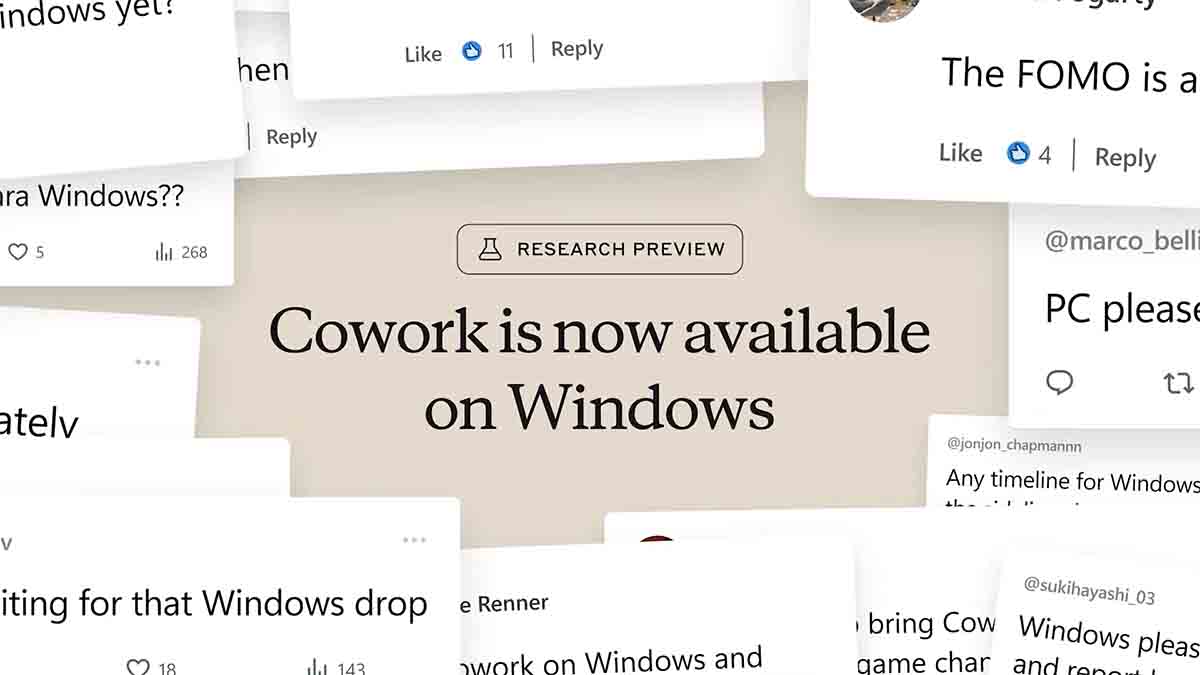
Anthropic has officially brought Claude Cowork to Windows, answering one of the most requested features from enterprise teams and individual users alike. Since its initial launch as a macOS-only research preview in January 2026, Windows support has been the number one request — and now it’s here with full feature parity.
What Is Claude Cowork?
Claude Cowork is Anthropic’s agentic AI tool built directly into the Claude Desktop app. Unlike traditional AI chatbots that respond to one prompt at a time, Cowork turns Claude into a digital coworker that can handle complex, multi-step tasks autonomously.
You designate a folder on your computer, and Claude can read, edit, and create files within it — all through the standard chat interface. Think of it as Claude Code without the code: a powerful AI assistant accessible to everyone, not just developers.
What’s New in the Windows Release
The Windows version ships with complete feature parity to the macOS version. Here’s what Windows users can now access:
- Direct local file access — Claude reads from and writes to your local files without manual uploads or downloads
- Multi-step task execution — Claude breaks complex work into smaller tasks and coordinates parallel workstreams
- Plugin support — Extend Cowork’s capabilities with plugins for productivity, enterprise search, sales, and finance
- MCP connectors — Integrate with tools like Slack, Notion, GitHub, and other enterprise platforms
- Professional document generation — Create polished Excel spreadsheets, PowerPoint presentations, and formatted documents
Why Windows Support Matters
Windows dominates the enterprise desktop market. By limiting Cowork to macOS, Anthropic was effectively locking out a massive portion of its potential user base — especially in corporate environments where Windows is the standard operating system.
The launch removes this critical barrier. Enterprise teams that have been waiting on the sidelines can now deploy Claude Cowork across their organizations without requiring employees to switch operating systems.
As we covered in our earlier report, Cowork’s initial launch already rattled markets and triggered significant investor reactions across the IT sector. The Windows expansion is expected to accelerate enterprise adoption even further.
Key Use Cases for Claude Cowork
Cowork excels at tasks that traditionally require juggling multiple tools and manual effort:
- Daily briefings — Pull data from Slack, Notion, and GitHub into a single summary
- Research and analysis — Conduct deep research across multiple data sources and compile findings
- Presentation creation — Generate polished PowerPoint decks from raw data and notes
- Customer feedback aggregation — Collect and analyze feedback from various data sources
- Financial modeling — Build Excel workbooks with working formulas and charts
Companies like HubSpot have already seen significant results from deploying Claude across their workflows. HubSpot reported a 40% productivity boost after integrating Claude into engineering, marketing, and customer success teams.
Global and Folder Instructions
Alongside the Windows release, Anthropic introduced global and folder instructions — a feature that lets users set persistent preferences for how Claude works.
Tell Claude once how you like to work, and it carries that context into every session. For project-specific work, folder instructions let you set context tied to a particular local folder. This means Claude can adapt its behavior based on the type of project you’re working on, without you having to re-explain your preferences every time.
Built by AI, for Everyone
In a fascinating twist, Cowork itself was built entirely using Claude Code in just 1.5 weeks. This makes it one of the most prominent examples of AI-built software in production — and a strong signal of the shift toward software written by AI with human guidance.
Cowork is powered by Claude’s latest model family, including Opus 4.6 and Sonnet 4.5, ensuring top-tier reasoning and task execution capabilities.
Availability and Pricing
Claude Cowork for Windows is available now in research preview on all paid Claude plans. The tool runs in a secure, sandboxed environment to protect user systems and data.
To get started, download the latest version of the Claude Desktop app from claude.com/download.
The Bigger Picture
With Cowork now available on both macOS and Windows, Anthropic is positioning Claude as a universal AI coworker — not just a chatbot, but an agent that actively works alongside you on real tasks. As the AI assistant landscape continues to heat up with competition from OpenAI’s ChatGPT and Google’s Gemini, the Windows launch gives Anthropic a significant edge in the enterprise market.
This is no longer just about chat — it’s about AI that does the work.